Edit or delete a count
Correct a count that was entered wrongly.
Edit a count
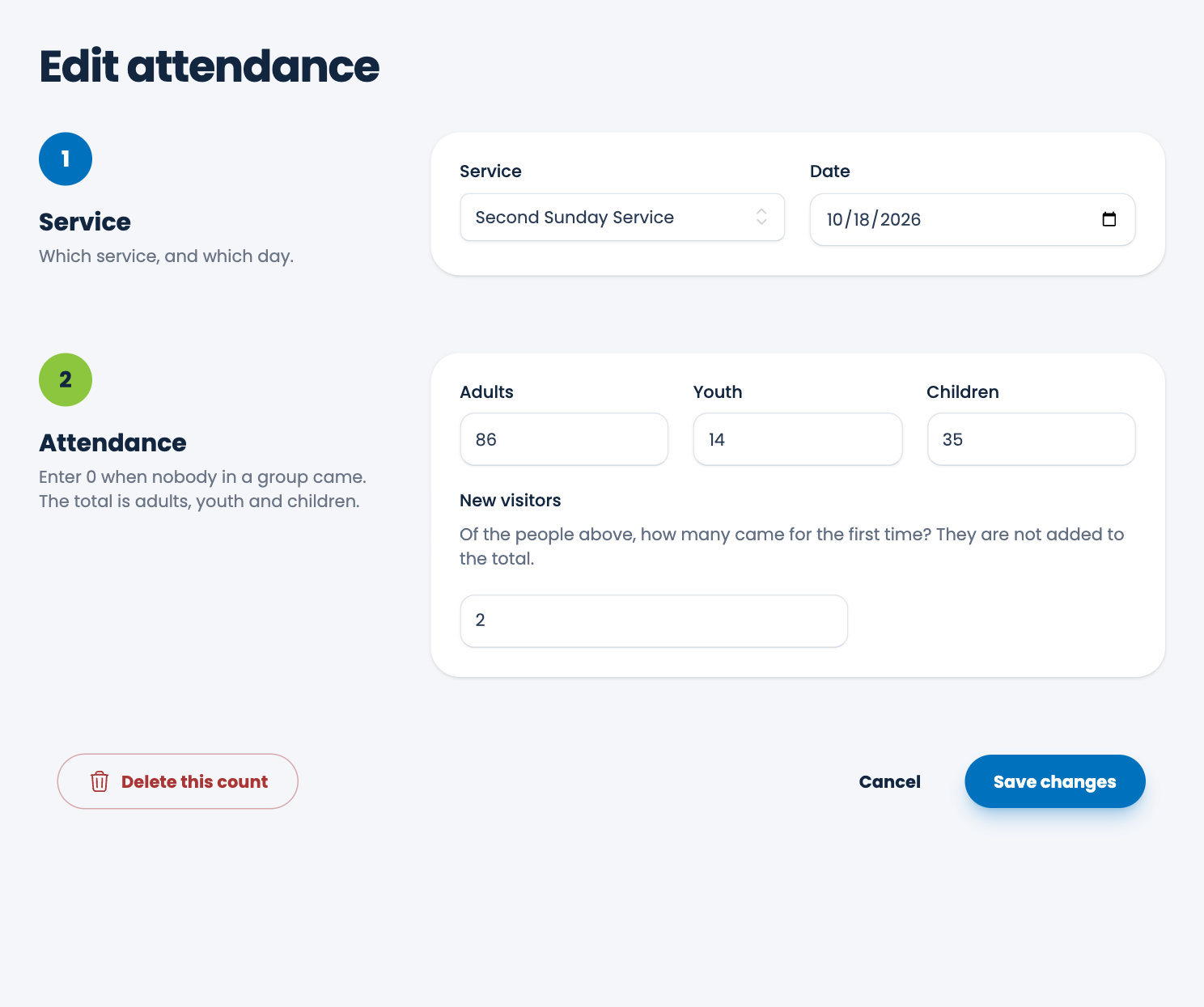
- Choose Attendance, and choose the count in the list.
- Change the service, date or any of the numbers.
- Choose Save changes.
If you change the service or the date to one that already has a count, ECM says "That service already has a count for that day." Edit that count, or choose another date or service.
Delete a count
- Open the count and choose Delete this count at the bottom left, beside Cancel and Save changes.
- Read the message and choose Delete.
A deleted count cannot be brought back. The charts and reports update straight away.
Spotted a mistake, or something that is not clear? Tell us.