Export your data
Download your members, gifts, attendance and lists as spreadsheets.
Note. This is for Administrators and Managers. If you're in Member care, you won't see it in your menu. See Roles and what they can do.
Your data is yours. Download it to keep a copy, to give to your accountant, or to move to another program.
Steps
- Choose Utilities in the menu, then Export your data.
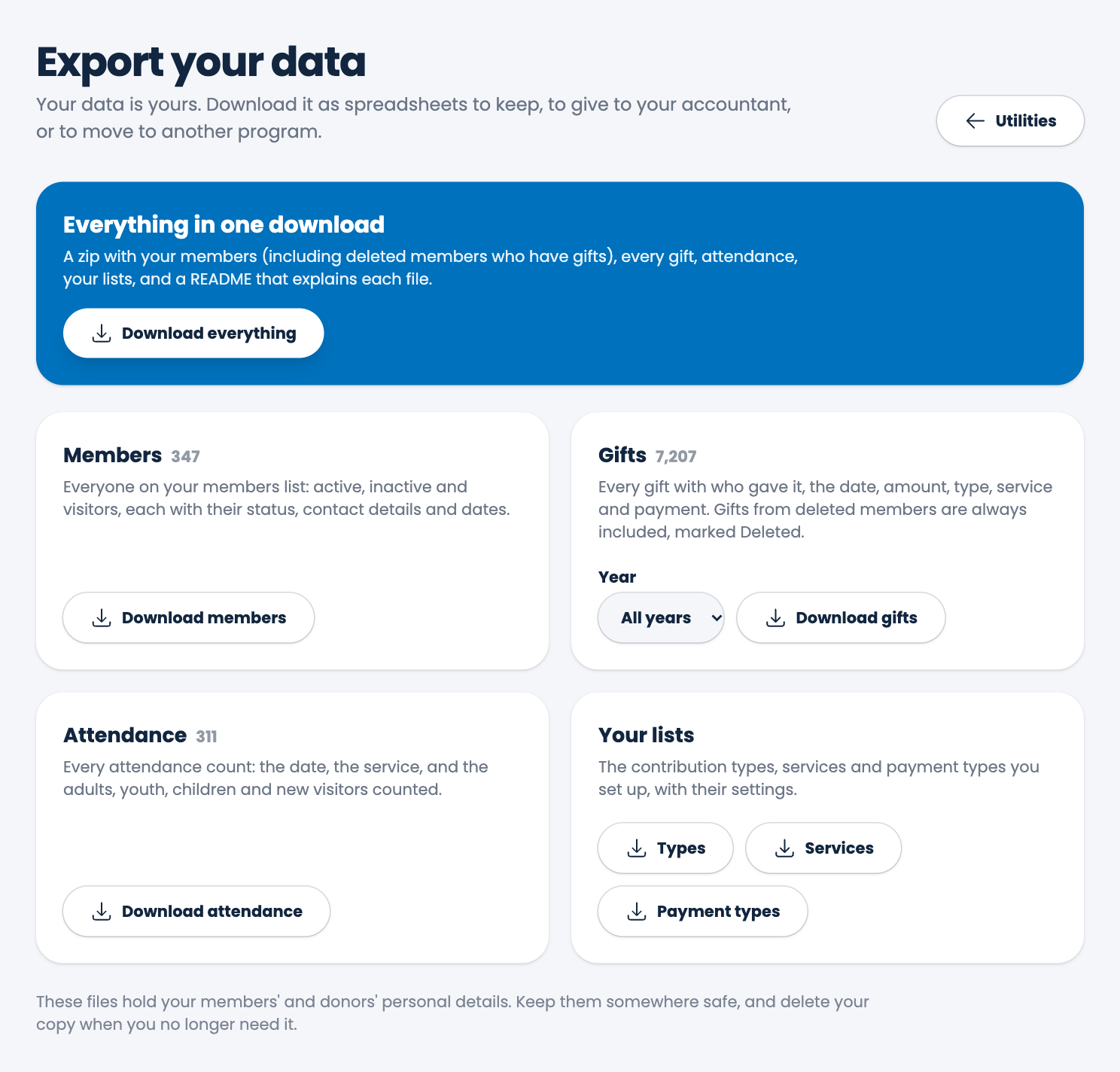
- Choose what to download:
- Download everything: one zip with your members (including deleted members who have gifts), every gift, attendance, your lists, and a README that explains each file.
- Download members: everyone, active, inactive and visitors, with their status, contact details and dates.
- Download gifts: every gift with who gave it, the date, amount, type, service and payment. Choose a Year first to get just that year. Gifts from deleted members are always included, marked Deleted.
- Download attendance: every count.
- Types, Services and Payment types: your lists, with their settings.
Careful. The files hold your members' and donors' personal details. Keep them somewhere safe, and delete your copy when you no longer need it.
Spotted a mistake, or something that is not clear? Tell us.