View a member
Everything about one person on a single page: contact details, dates, notes and their giving.
Note. If you're in Member care, a person's page has no Contributions tab, and no giving anywhere on it. Everything else here works the same. See Roles and what they can do.
Choose any name on the Members list, or in a list of gifts, to open that person's page.
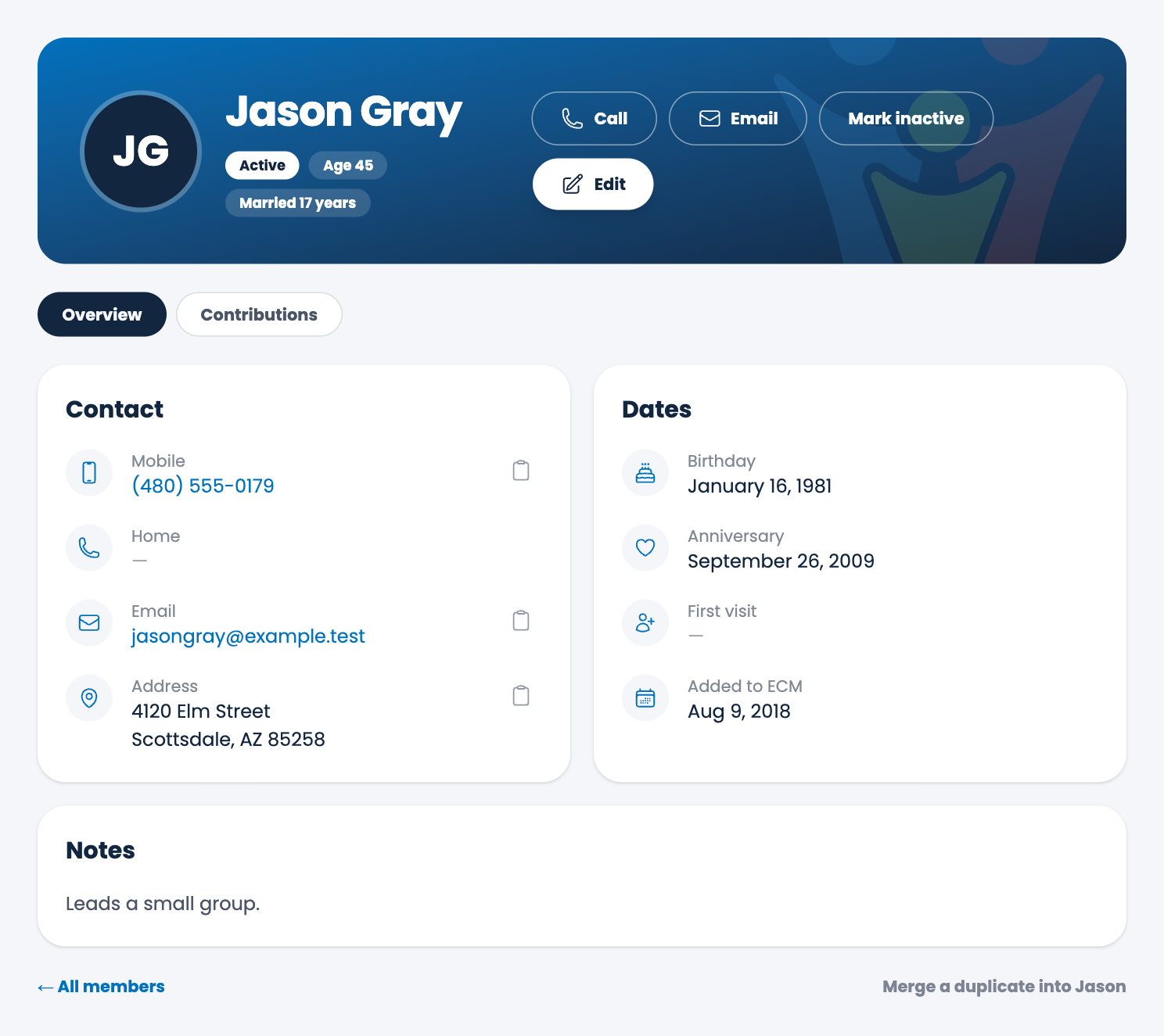
At the top
The banner shows the person's name and a few facts: whether they're Active, Inactive or a Visitor, their Age and how long they've been married, when ECM has the dates to work them out. Buttons let you:
- Call and Email them, using the number or address on their record. On a phone, Call starts a call.
- Mark inactive (or Mark active), and Not a visitor for a visitor who has joined.
- Edit their details. See Edit or delete a member.
Overview
The Overview tab has three parts:
- Contact: their Mobile, Home phone, Email and Address. Choose the small clipboard beside one to copy it.
- Dates: their Birthday, Anniversary, First visit (for visitors), and when they were Added to ECM.
- Notes: anything you wrote about them.
Contributions
The Contributions tab is the person's giving.
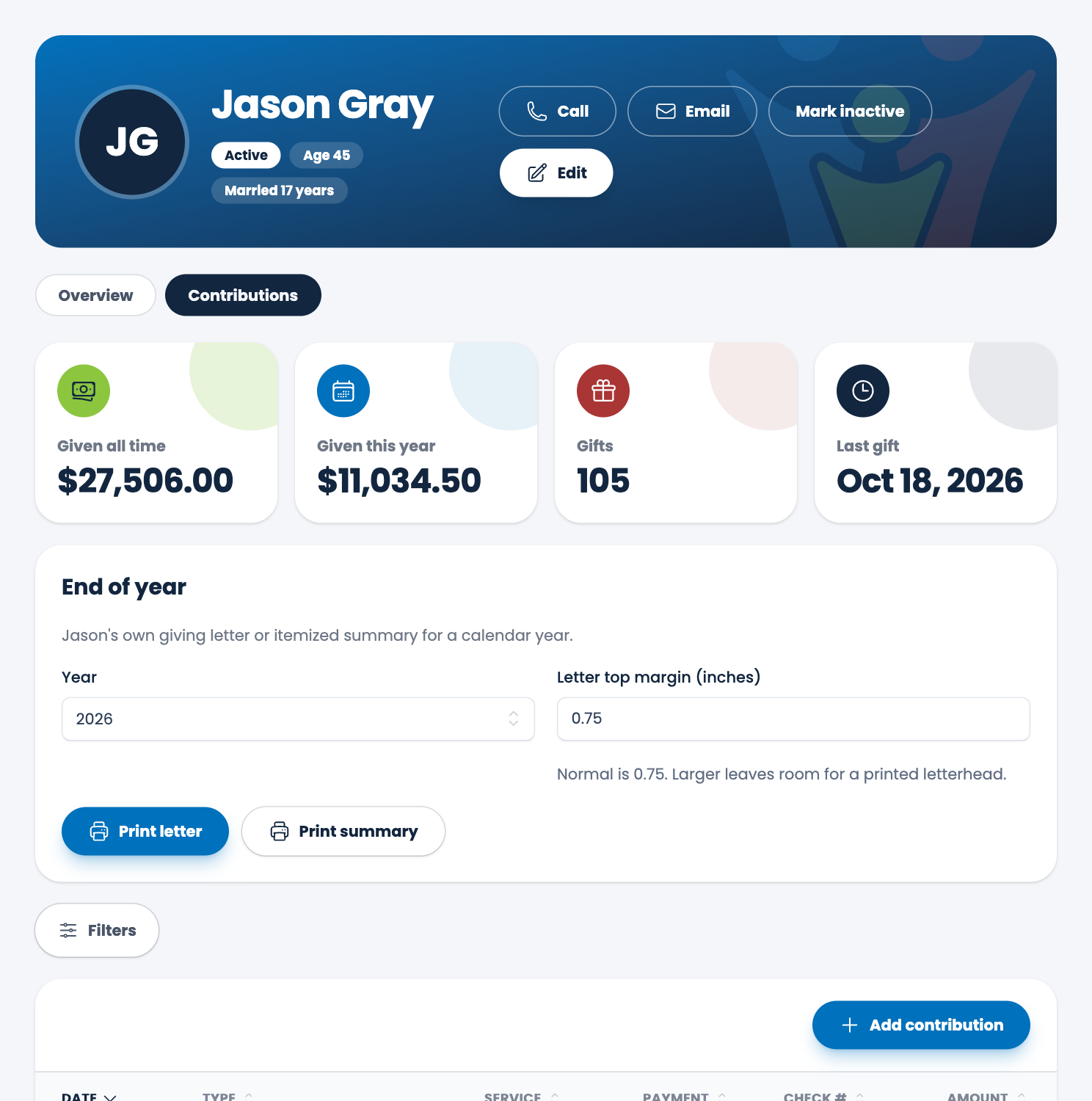
- Given all time, Given this year, the number of Gifts, and the date of their Last gift.
- A list of every gift: Date, Type, Service, Payment, Check # and Amount. Choose a gift to edit it. See Edit or delete a gift.
- Add contribution records a gift for this person.
- End of year prints this person's own giving letter or an itemized summary for any year. See End of year giving letters.
Note. A person's page is the only place their giving is shown by name next to their details. The dashboard and the admin side only ever show totals.
At the bottom
All members takes you back to the list. Merge a duplicate into this person lets you fix someone who was added twice. See Find duplicates.
Spotted a mistake, or something that is not clear? Tell us.