Your profile
Change your name and the email address you sign in with.
- Choose Settings in the menu (or open the account menu at the bottom and choose Settings). Profile opens first.
- Change your Name or Email.
- Choose Save.
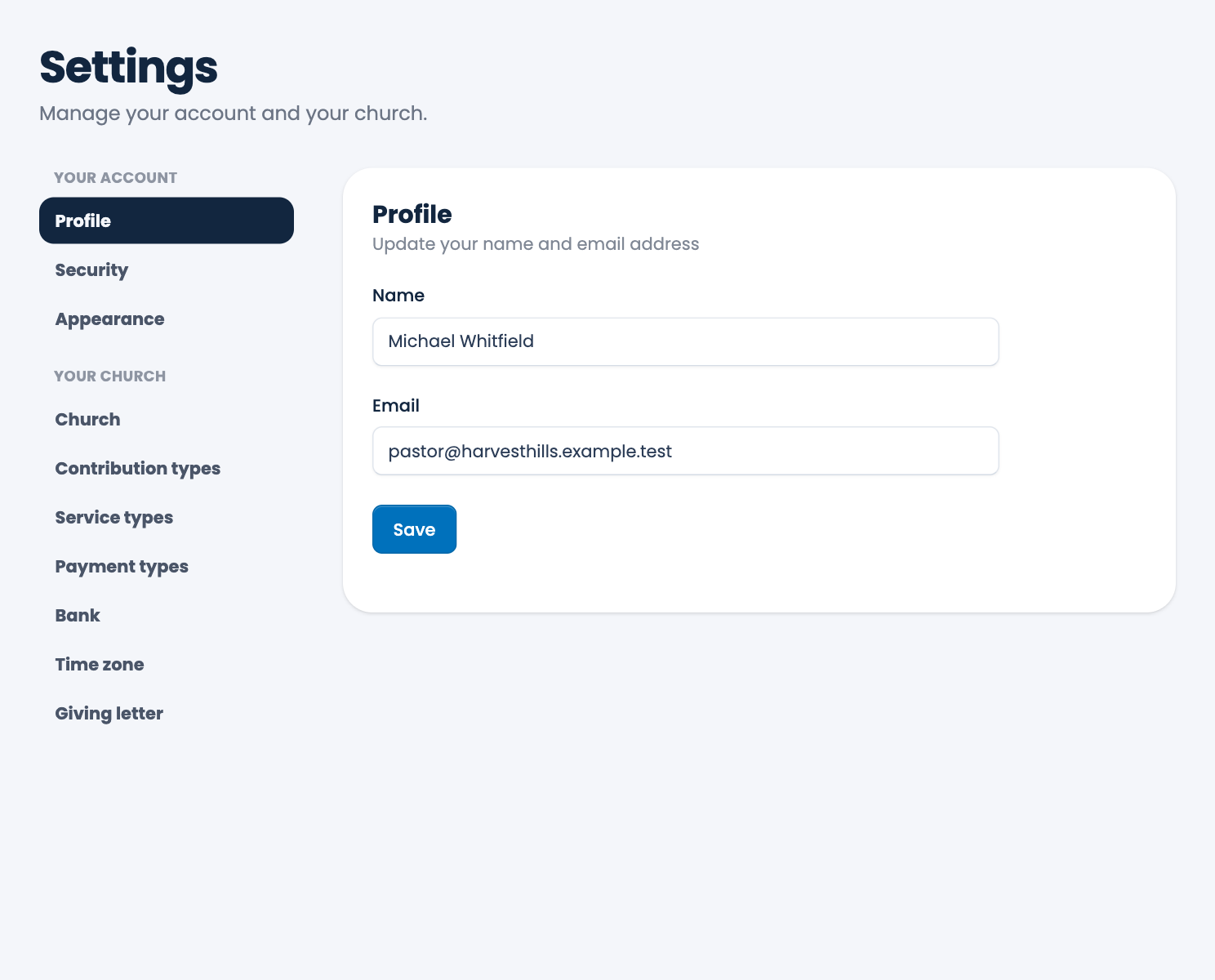
If you change your email, ECM asks you to confirm the new address from a message it sends there. Use the new address the next time you sign in.
To change your password, turn on two-factor sign-in or add a passkey, see Password and security.
Spotted a mistake, or something that is not clear? Tell us.