Edit or delete a member
Change someone's details, mark them inactive, or remove them, and bring them back if you need to.
Note. Everyone can add, change and delete members, whatever their role. Where this page talks about gifts, people in Member care don't see them, but the rules are the same. See Roles and what they can do.
Edit a member
- Open the person's page and choose Edit.
- Change what you need. The form is the same as when you add someone, with one extra: Active member.
- Choose Save changes.
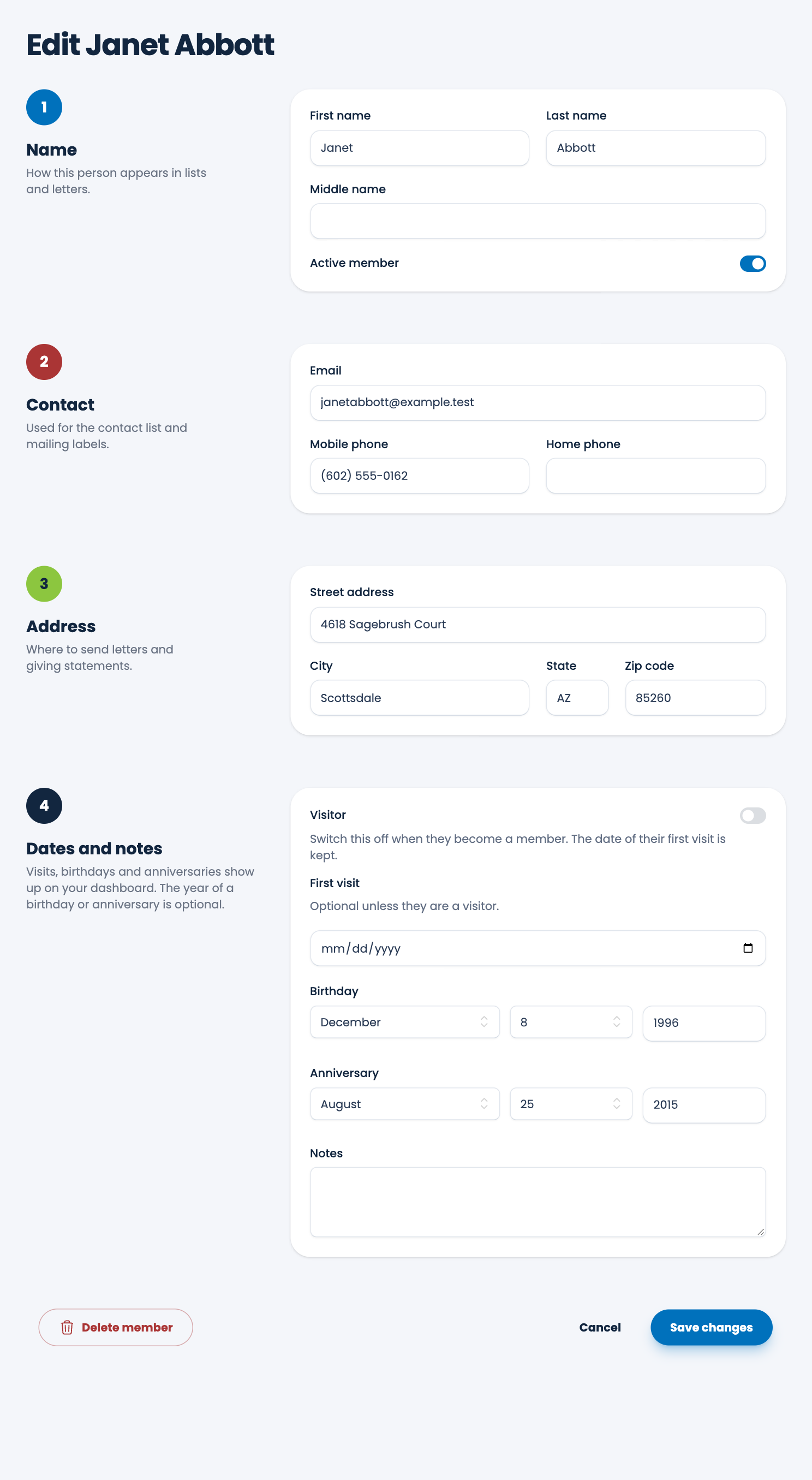
Everything you change is saved right away, and the dashboard and reports use it at once.
Tip. Birthdays and anniversaries show on your dashboard only for active people, so check Active member is on for anyone you want to hear about.
Mark someone inactive
Someone who has stopped coming but whom you want to keep can be marked inactive. They leave your main list but stay in your records, and their gifts stay in your reports.
- On their page, choose Mark inactive. To bring them back, choose Mark active.
- Or switch Active member off when you edit them.
- To do it for many people at once, tick them on the Members list and choose Mark inactive. See Members and visitors.
If you've gone a long time without hearing from people, Long-inactive members in Utilities lists who has been inactive for a year, or as long as you choose. See Tidy up long-inactive members.
Delete a member
Delete is for records you don't want, such as someone added by mistake.
- Open their page, choose Edit, then Delete member at the bottom left, beside Cancel and Save changes.
- Read the message and choose Delete.
The person is hidden from your lists. Nothing is lost straight away:
- A member who has gifts is kept in your records and reports, and you can always bring them back.
- A member without gifts can be brought back for 30 days. After that they are removed for good.
If you only want them out of the way, mark them inactive instead.
Bring someone back
Choose Utilities, then Recently deleted members, and choose Restore beside the person. See Restore a deleted member.
Spotted a mistake, or something that is not clear? Tell us.