Restore a deleted member
Bring back someone you deleted by mistake.
Note. Everyone can use this tool. If you're in Member care, you don't see gift counts, but members with gifts are still kept and can still be restored. See Roles and what they can do.
When you delete a member, they're hidden, not gone right away.
- A member with gifts is kept, and can be restored at any time, so your giving records stay whole.
- A member without gifts can be restored for 30 days. After that they are removed.
Steps
- Choose Utilities in the menu, then Recently deleted members.
- Find the person. Use Search deleted members if the list is long. Each one shows when they were deleted and how many days are left to restore.
- Choose Restore.
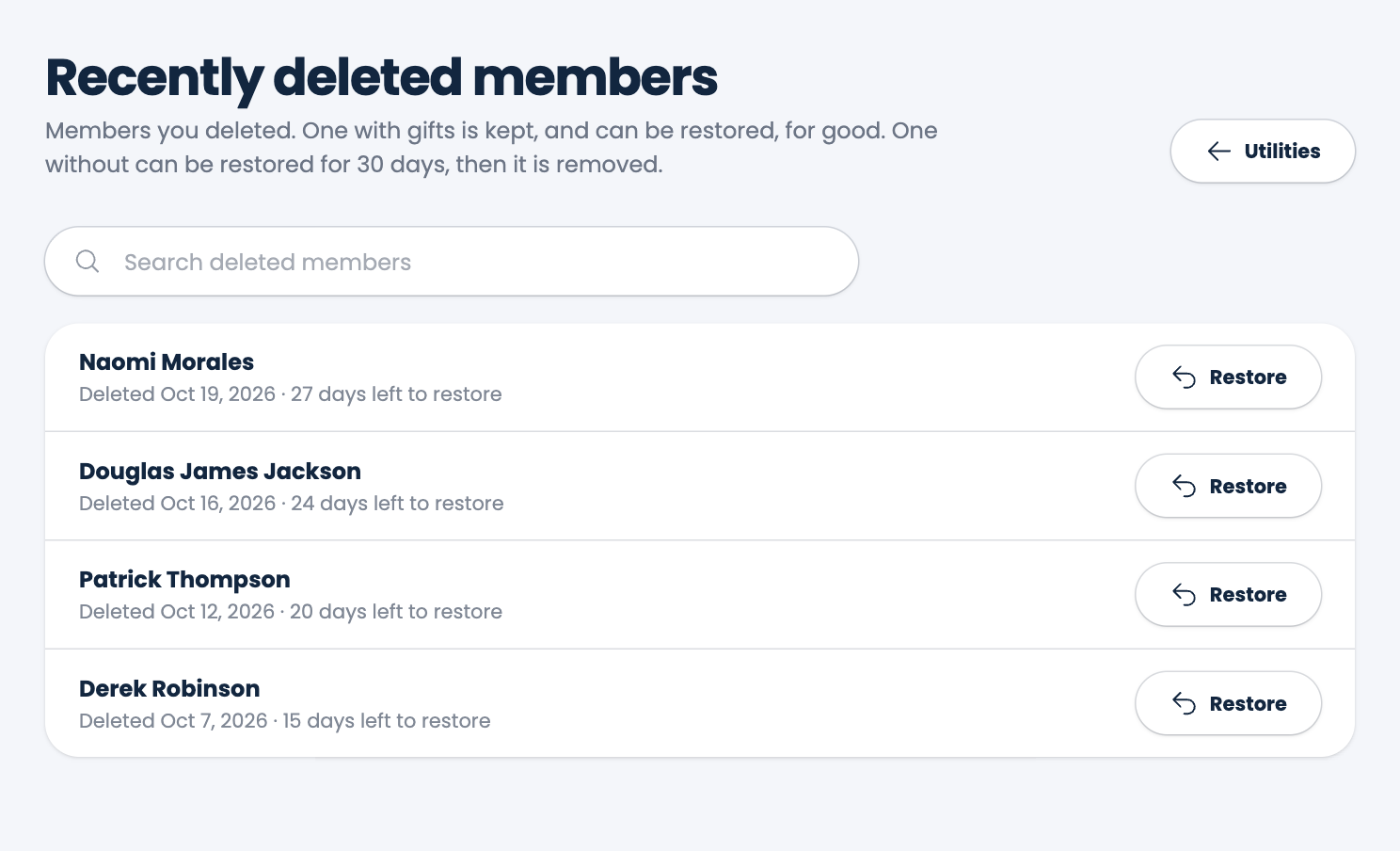
The person comes back with their details and gifts as they were.
Spotted a mistake, or something that is not clear? Tell us.