Import members
Add many people at once from a spreadsheet, checking first and with the chance to undo.
Note. This is for Administrators and Managers. If you're in Member care, you won't see it in your menu. See Roles and what they can do.
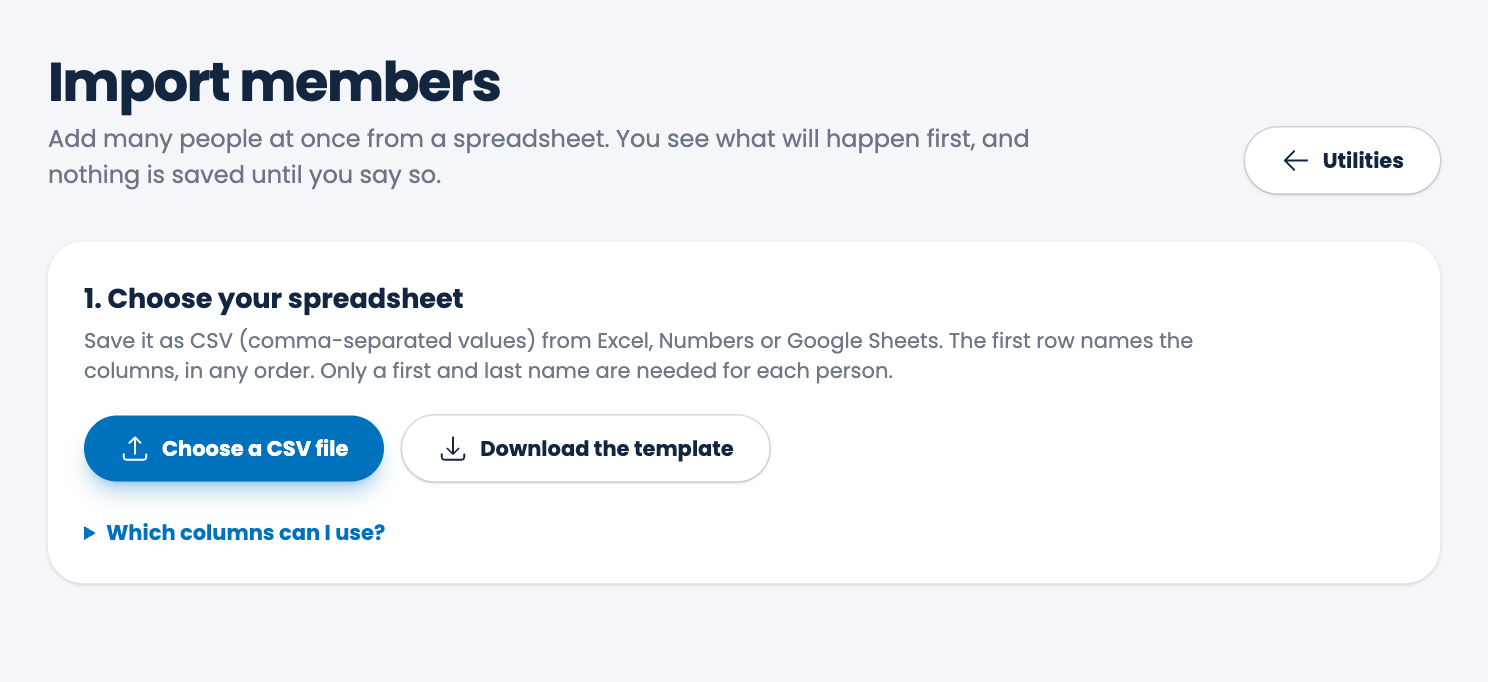
If your people are already in a spreadsheet, you can bring them all in at once instead of typing each one. You see what will happen first, and nothing is saved until you say so.
Steps
- Choose Utilities in the menu, then Import members.
- Choose Download the template to get a spreadsheet with the right headings, and fill it in. You can also use your own spreadsheet. The first row names the columns, in any order.
- Save it as a CSV (comma-separated values) file from Excel, Numbers or Google Sheets.
- Choose Choose a CSV file and pick your file.
- Under Check, then import, read what ECM found:
- Problems. Each problem names its row. Fix them in your spreadsheet, save it, and choose it again. Nothing is imported until every problem is fixed.
- People ready to import.
- Possible duplicates: rows that look like someone already in your members, or like another row in the file. They're left out unless you tick Import anyway beside them.
- Any columns that weren't used.
- Choose Import (it shows how many people).
Columns
Only first_name and last_name are required. These are also understood:
- middle_name, street, city, state (two letters, such as AZ), zip (5 digits), email, mobile_phone, home_phone, birth_date, anniversary_date
- status (Active or Inactive; empty means Active), visitor (Yes or No), first_visit (the date they first came; today if empty)
- birth_month, birth_day, birth_year and the same three for the anniversary, instead of a single date.
Open Which columns can I use? on the page to see the list at any time. Column names ignore capitals and spaces, so "First Name" works. Phone numbers can be written any way, such as (480) 555-0100. A file has room for a limited number of people; the page tells you the limit.
Undo
Under Recent imports you'll see each import. Choose Undo this import within 24 hours to remove the members it added. Anyone who has gifts by now is kept, and you can restore the others from Recently deleted members. See Restore a deleted member.
Tip. A file you downloaded from Export your data can be imported as it is. See Export your data.
Spotted a mistake, or something that is not clear? Tell us.