Roles and what they can do
The three roles, who each one is for, and what each can see and change.
More than one person can sign in to your church. Each person has their own login and one role, and the role decides what they can see and change. You choose the role when you add someone, and you can change it later. See Add a user.
The three roles
Administrator. For the person who looks after your church's ECM account, usually the one who signed up. An Administrator can see and change everything, and is the only role that can add or remove users, change your church's name and address, or delete the account.
Manager. For people who do the day-to-day work, such as the treasurer or the church secretary. A Manager can see and change everything except users and your church's name and address.
Member care. For people who look after your members, such as a pastor's assistant or a visitation team. Member care can work with members and attendance, and never sees any giving.
What each role can do
| Administrator | Manager | Member care | |
|---|---|---|---|
| Dashboard | Everything | Everything | Members and attendance only |
| Members: add, change, delete | Yes | Yes | Yes |
| Attendance: add, change, delete | Yes | Yes | Yes |
| Contributions, and the Contributions tab on a member | Yes | Yes | No |
| Member list and Attendance reports | Yes | Yes | Yes |
| Other reports, deposit slips and End of year | Yes | Yes | No |
| Find duplicates, Long-inactive members, Recently deleted members | Yes | Yes | Yes (without giving) |
| Import members and Export your data | Yes | Yes | No |
| Settings for your church: bank, time zone, giving letter and your lists | Yes | Yes | No |
| Your church's name and address | Yes | No | No |
| Add, change and remove users | Yes | No | No |
| Delete the account | Yes | No | No |
| Your own profile, security and appearance | Yes | Yes | Yes |
| Support and this help | Yes | Yes | Yes |
Note. Member care never sees what anyone gave: not on a member's page, not in the duplicates and inactive-members tools, not on the dashboard. Even if someone types the address of a page they can't use, ECM turns them away.
The menu and the dashboard
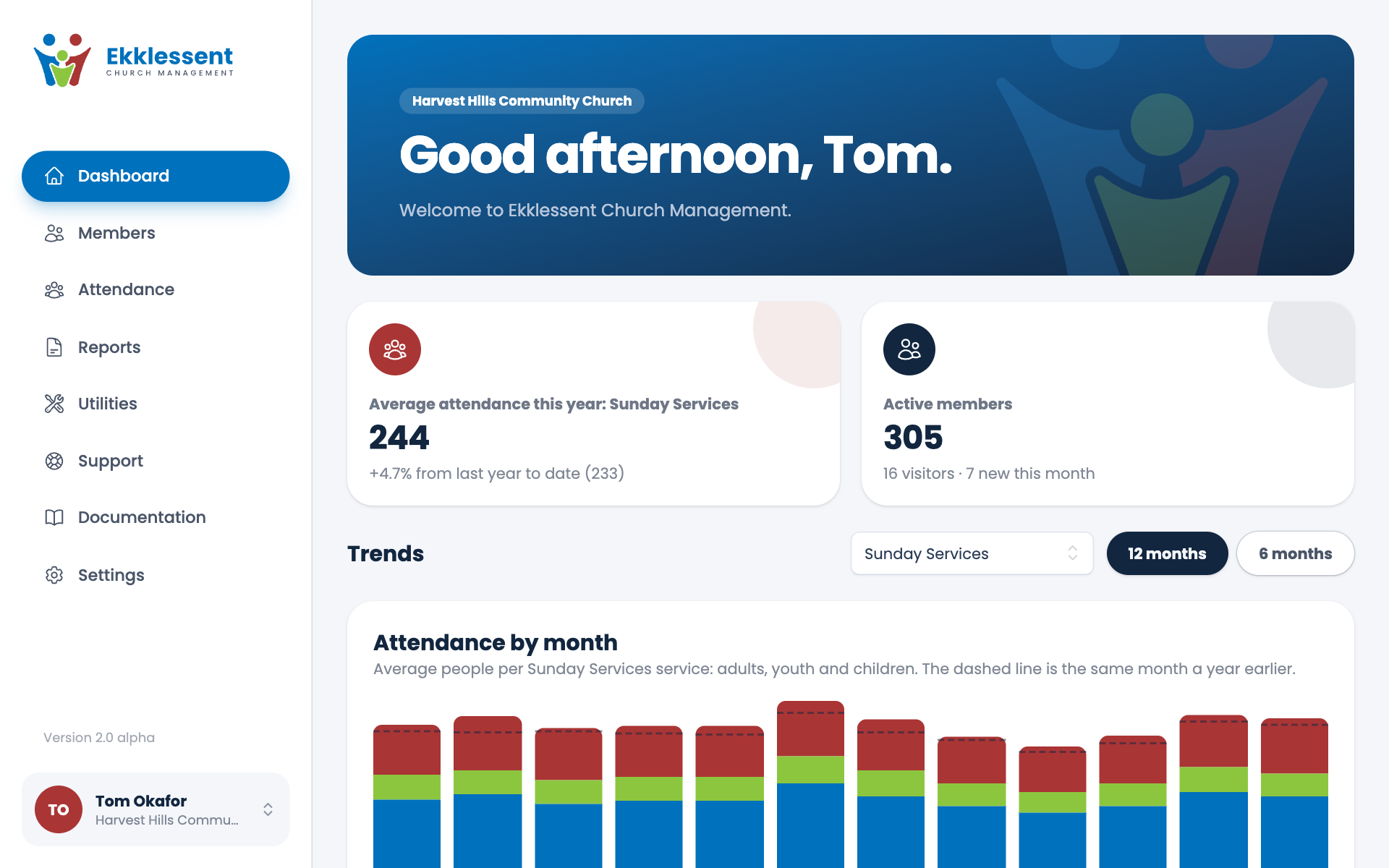
Each person's menu shows only what their role can use. Member care sees Dashboard, Members, Attendance, Reports (the two reports they can use), Utilities (the three tools they can use), Support, Documentation and Settings. Only an Administrator sees Users.
Member care's dashboard shows attendance, active members, birthdays, anniversaries and recent visitors, with nothing about giving.
Your church always keeps an Administrator
Your church always keeps at least one Administrator. You can't change your own role or remove yourself, so the Administrator making a change always stays. To give up the account, an Administrator can delete it. See Delete your account.
Spotted a mistake, or something that is not clear? Tell us.