Ask for help
Send us a question or tell us about a problem, from inside ECM.
Before you write, choose Documentation in the menu: it opens the help for the page you're on, and the answer may be there. Stuck, or found something wrong? Tell us and we'll help. We reply by email, usually within 24 hours.
Steps
- Choose Support in the menu.
- Type a short Subject: a few words about the problem.
- Under What happened?, give as much detail as you can: what you were doing, what you expected, and what you saw.
- Choose Send request.
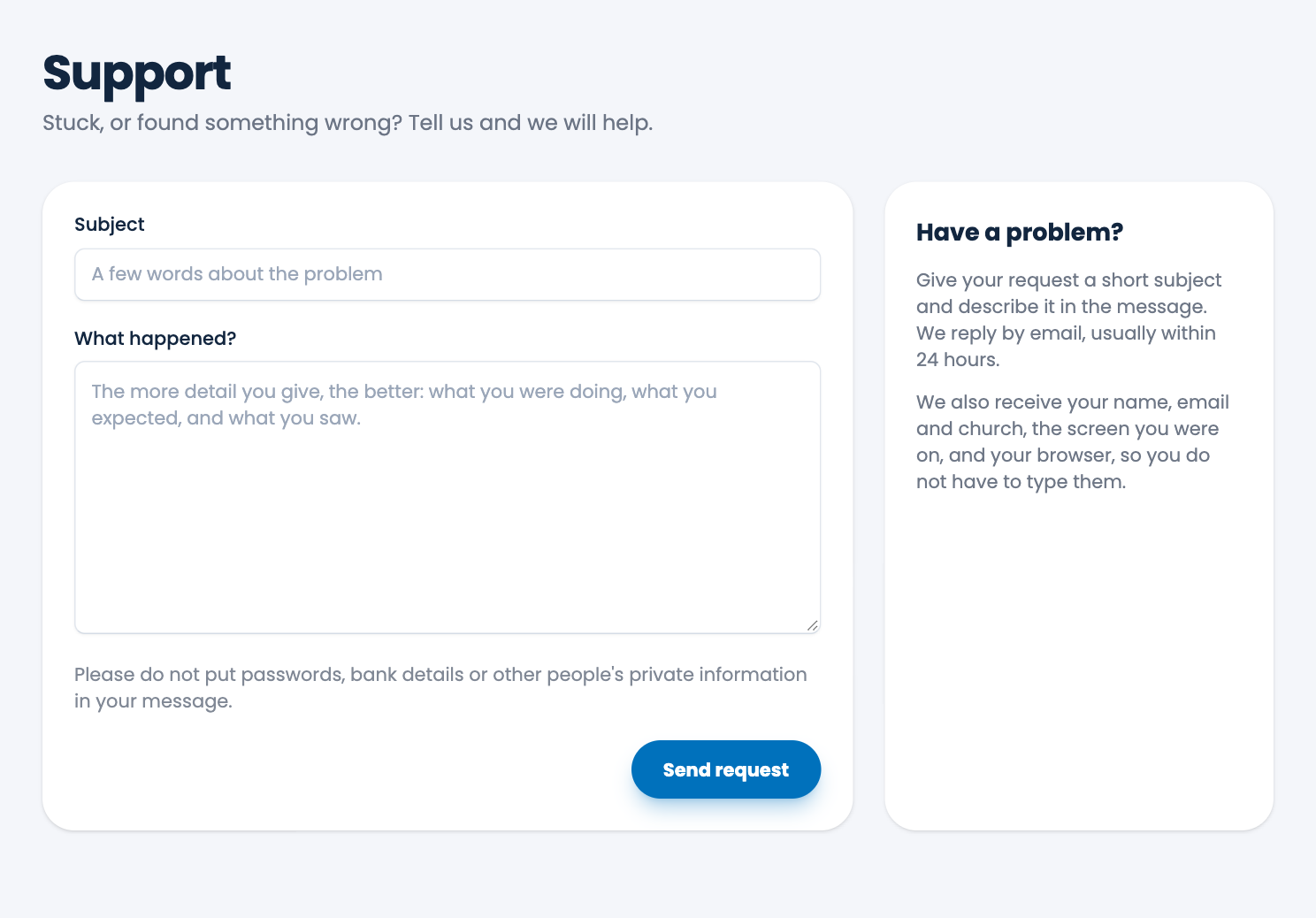
We also receive your name, email and church, the screen you were on, and your browser, so you don't have to type them.
Careful. Please don't put passwords, bank details or other people's private information in your message.
Your request, and our answer, are listed on the same page. See Your requests.
Spotted a mistake, or something that is not clear? Tell us.