Church details
Your church's name and address, which head your reports and giving letters.
Note. Only an Administrator sees Church in Settings. Managers and Member care don't. See Roles and what they can do.
- Choose Settings, then Church.
- Change the Church name, Street address, City, State and Zip code.
- Choose Save.
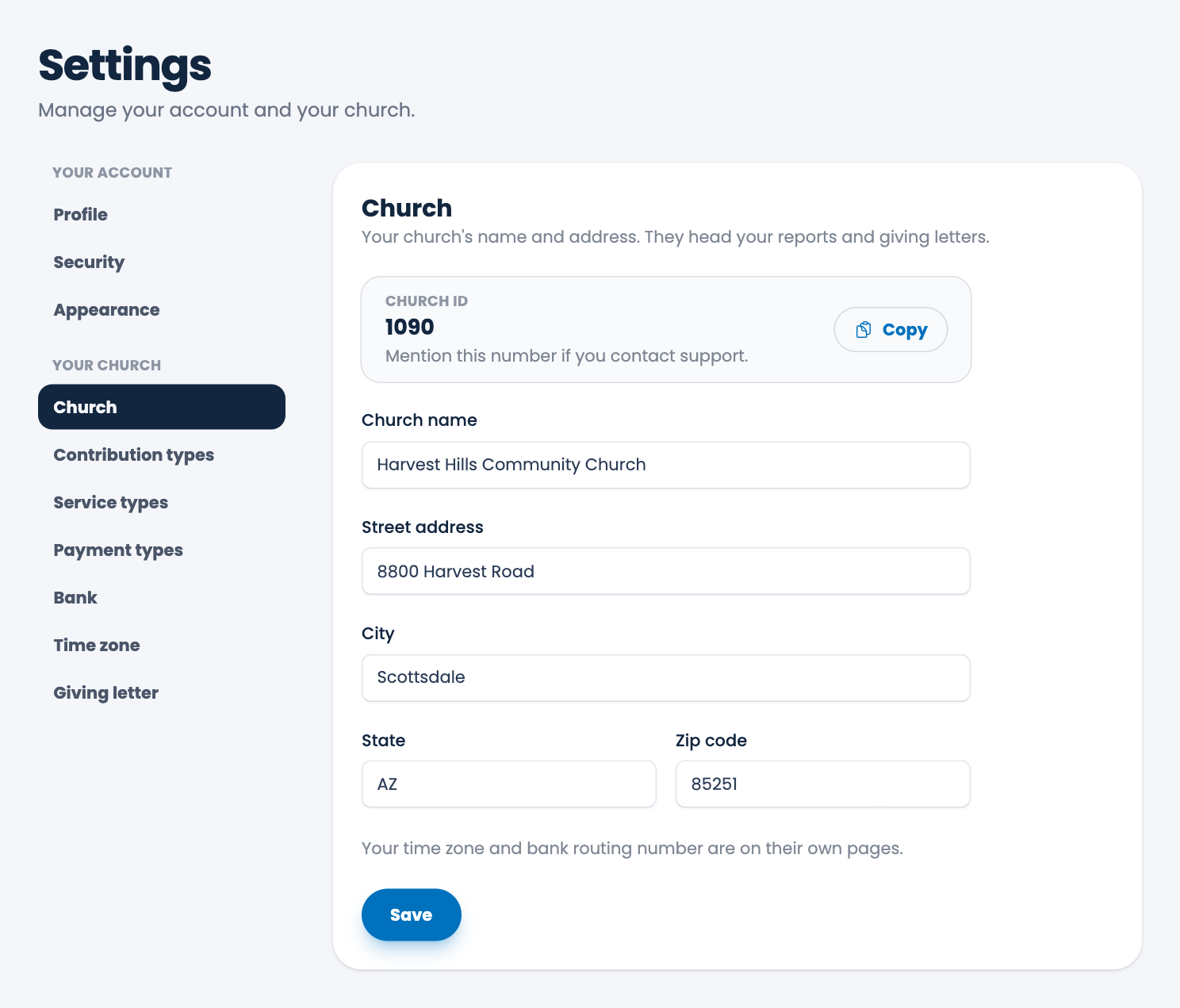
The name and address print at the top of your reports and giving letters.
Your Church ID is shown at the top. Choose Copy and mention it if you contact support. Your time zone and bank routing number are on their own pages. See Time zone and Bank routing number.
Spotted a mistake, or something that is not clear? Tell us.